Aviation Test Prep includes a full on-screen E6B flight computer — the same computations as a CX-3-style electronic E6B. It's permitted on FAA knowledge tests, so you'll find it on study, review, and Question-of-the-Day screens via the 🧮 E6B button at the bottom-right. The window is draggable — grab the title bar and move it so your question and answer choices stay visible.
Getting started
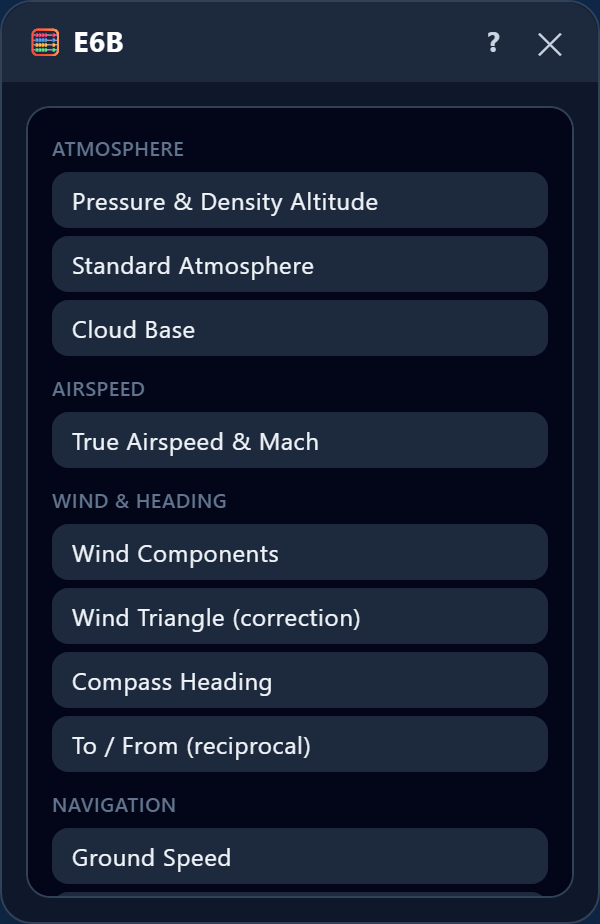
The E6B opens as a plain calculator. To run a flight-computer function, tap ☰ Menu (top-left) and choose one. Tap ✕ to close it.
The keypad
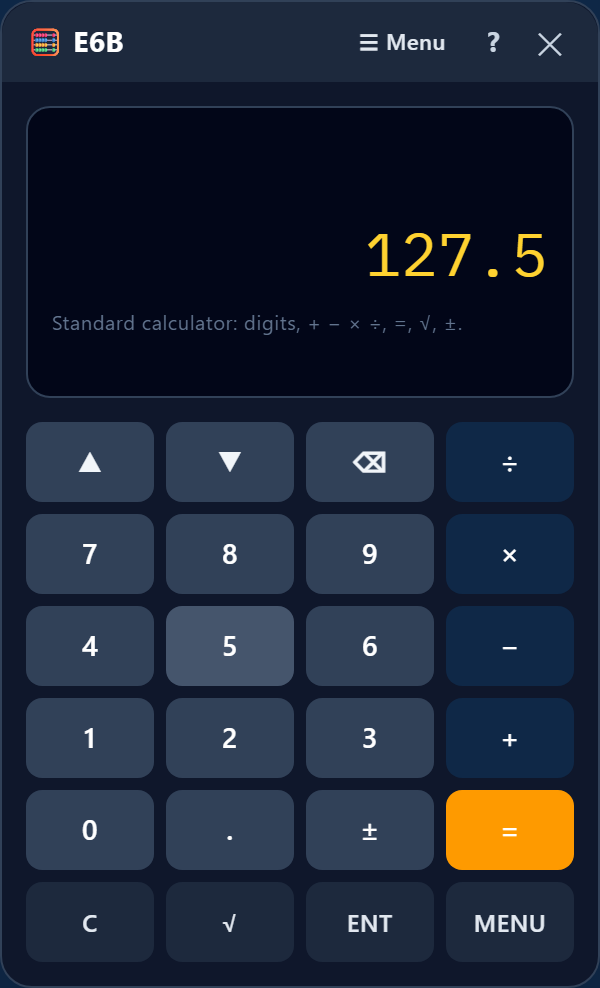
- Number keys 0–9 and . type into the selected value. ± flips the sign. ⌫ deletes the last digit. C clears the value.
- + − × ÷ and = do ordinary math on the selected value (e.g. compute 4 × 60 right in a field). √ takes the square root.
- ▲ / ▼ (and ENT) move between the fields of a function. ☰ MENU returns to the function list.
How to set up a problem
- Tap ☰ Menu and choose the function for your problem (e.g. "True Airspeed & Mach").
- Tap the value row you want to fill — it shows a blinking cursor — then key the number in on the keypad.
- Repeat for each known value. Anything the E6B can calculate appears automatically in amber.
- Most functions are reversible: enter the values you know and the unknown is filled in. In Glide, for example, enter any two of ratio, distance, and altitude lost to get the third.
- Time fields are decimal hours (30 min = 0.5, 2 h 32 min ≈ 2.53). Use the Calculator or Timer for clock math.
Atmosphere
Pressure & Density Altitude
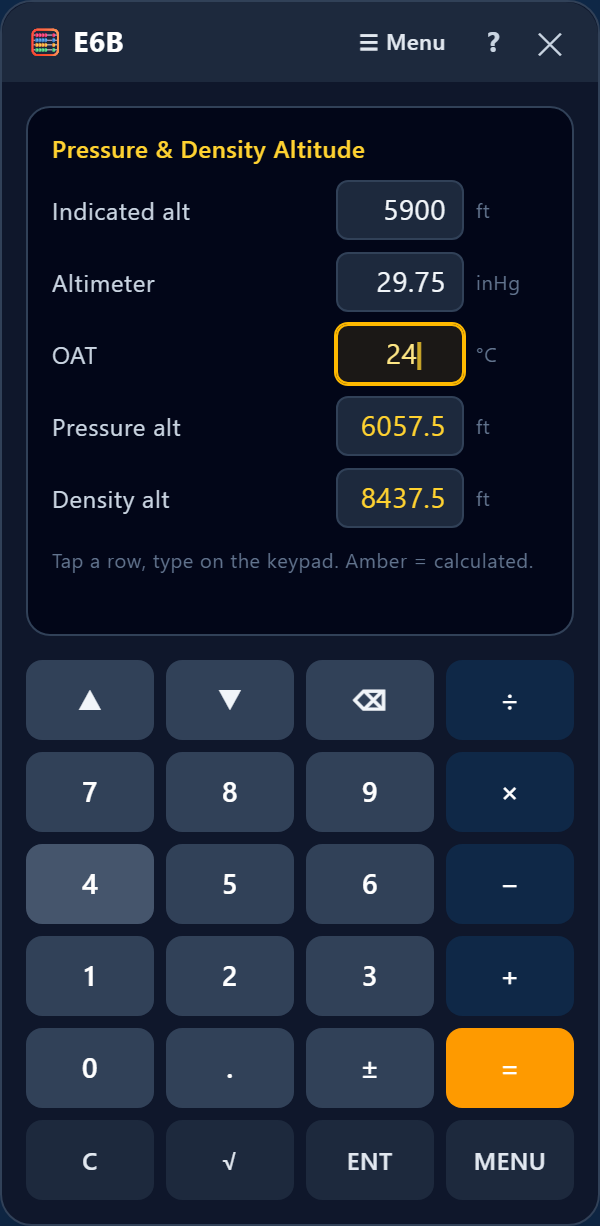
Enter indicated altitude, the altimeter setting (inHg), and OAT (°C). Pressure altitude and density altitude calculate.
Example: Indicated 5,900 ft, altimeter 29.75, OAT 24 °C → pressure alt ≈ 6,058 ft, density alt ≈ 8,470 ft.
Standard Atmosphere
Enter an altitude to get the ICAO standard temperature and pressure at that altitude.
Example: 20,000 ft → −24.6 °C, 13.75 inHg.
Cloud Base
Enter surface OAT and dew point (°C) to estimate the base of cumuliform clouds, in feet AGL.
Example: OAT 28 °C, dew point 3 °C → about 10,000 ft AGL.
Airspeed
True Airspeed & Mach
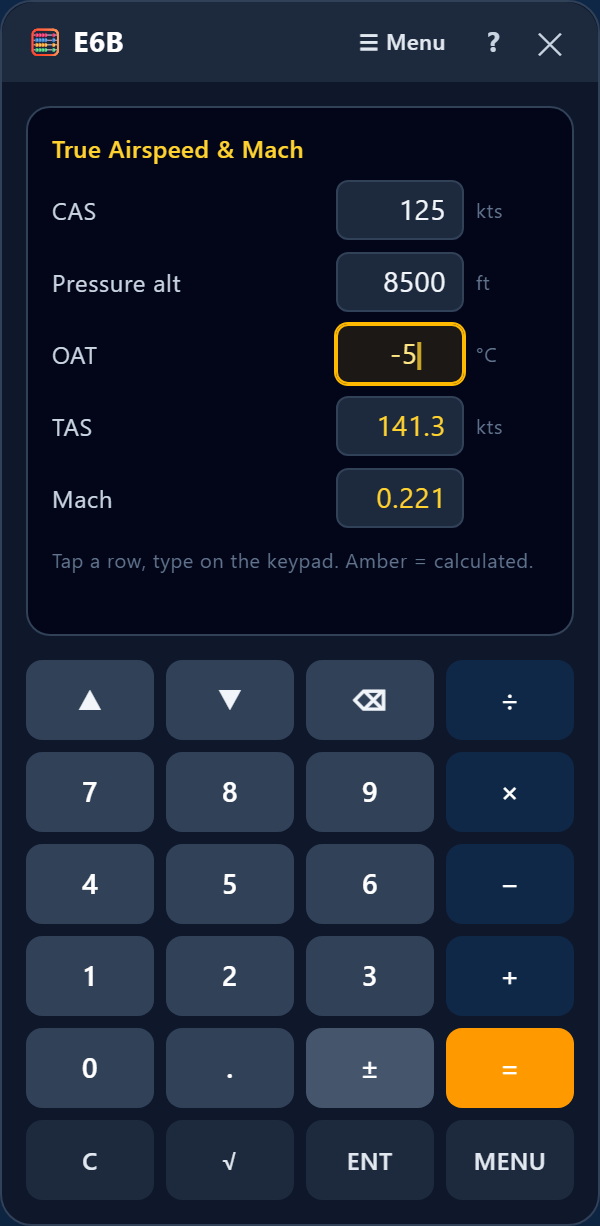
Enter calibrated airspeed (CAS), pressure altitude, and OAT (°C). True airspeed and Mach number calculate.
Example: 125 kts CAS, 8,500 ft PA, −5 °C → TAS ≈ 141 kts, Mach ≈ 0.221.
Wind & Heading
Wind Components
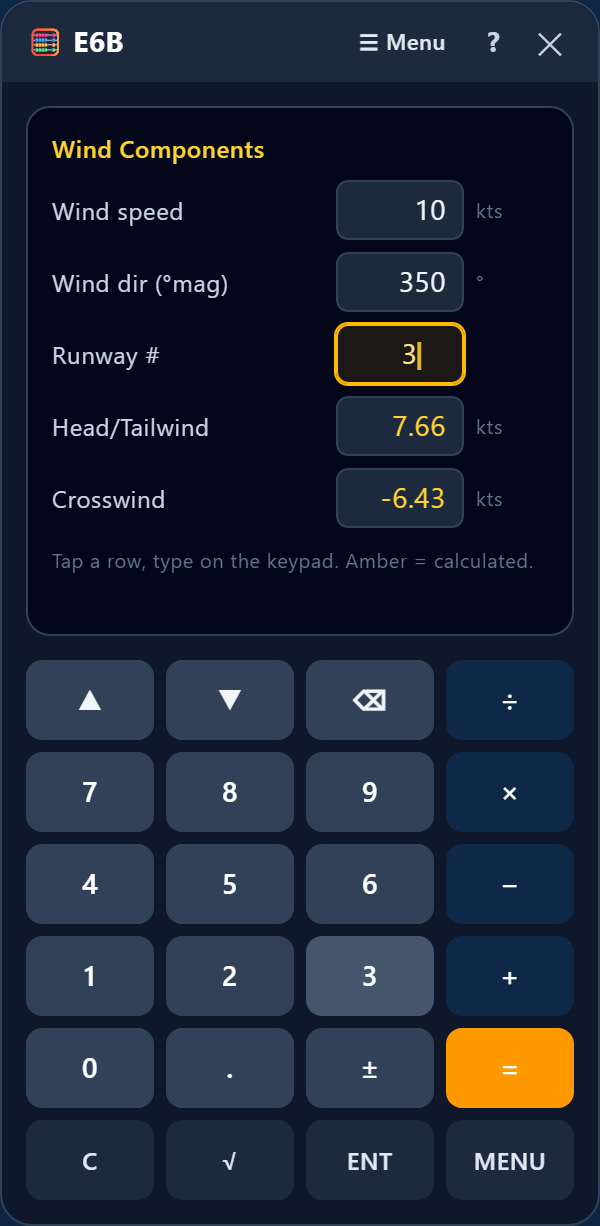
Enter wind speed, wind direction (magnetic), and the runway number (e.g. 3 for runway 03). Headwind is positive (tailwind negative); crosswind is + for a right crosswind, − for a left.
Example: Wind 350° at 10 kts, runway 03 → 7.7 kts headwind, 6.4 kts left crosswind.
Wind Triangle (correction)
Enter TAS, true course, wind direction, and wind speed → wind correction angle, true heading to fly, and ground speed.
Compass Heading
Enter true heading, magnetic variation (positive for West, negative for East), and deviation → magnetic heading and compass heading.
Example: True heading 203°, 4° W variation, 4° deviation → magnetic 207°, compass 211°.
To / From
Enter a course or radial to get its reciprocal.
Example: 150° → 330°.
Navigation
Ground Speed
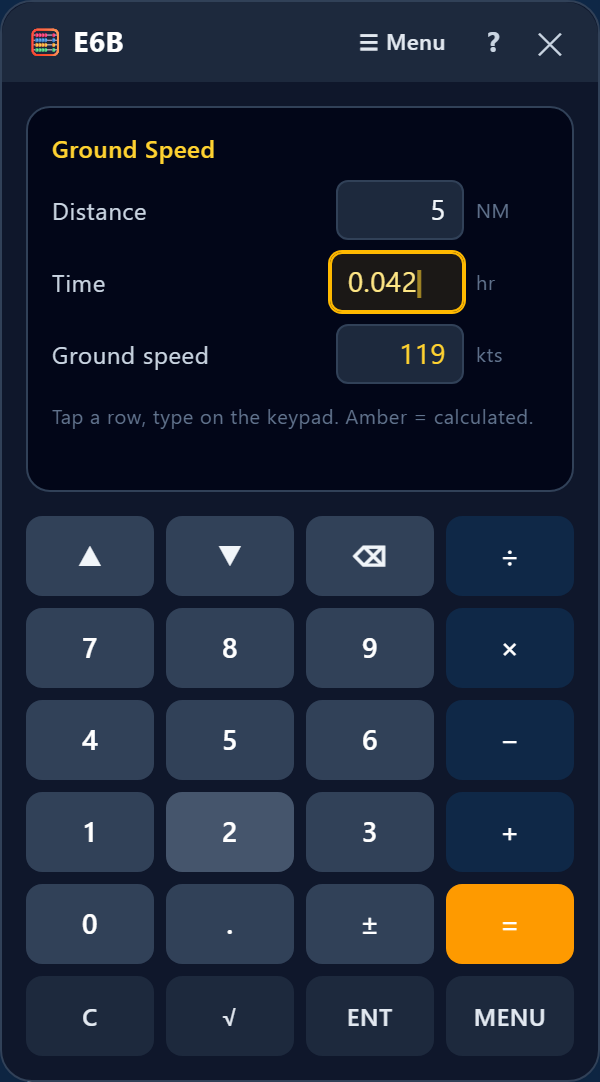
Enter any two of distance (NM), time (decimal hours), and ground speed to get the third.
Example: 5 NM in 0.042 hr (2 min 32 s) → 118 kts.
Rhumb Line
Enter the latitude and longitude of both points (enter West longitude as a positive number) → true course and distance.
Holding Pattern Entry
Enter the holding radial → the inbound course to the fix (radial + 180). Use it with your heading to plan the entry.
Example: Holding on the 270° radial → inbound course 090°.
Fuel & Performance
Fuel (burn / rate / endurance)
Enter any two of fuel rate (gph), time (decimal hours), and volume (gal) to get the third.
Example: Rate 9.5 gph for 1.5 hr → 14.25 gal burned.
Glide
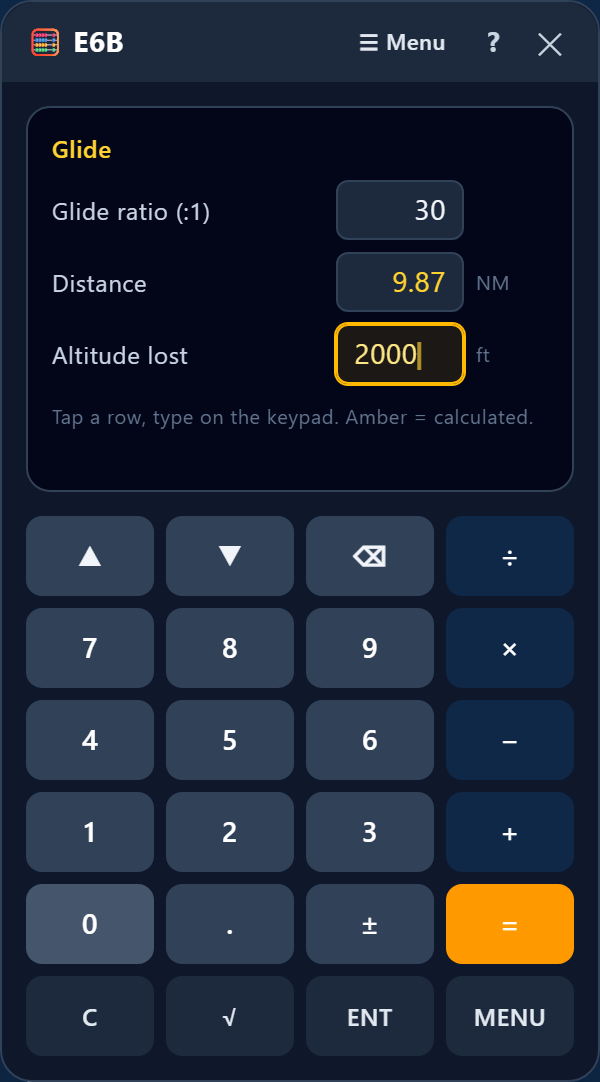
Enter any two of glide ratio, horizontal distance (NM), and altitude lost (ft) to get the third.
Example: 30:1 ratio losing 2,000 ft → 9.87 NM.
Climb & Descent
Enter distance (NM), altitude change (ft), and ground speed → required gradient (ft/NM), glide ratio, and vertical speed (fpm).
Example: 5,000 ft over 30 NM at 90 kts → 167 ft/NM, ≈36:1, 250 fpm.
Weight & Balance
Weight & Balance table
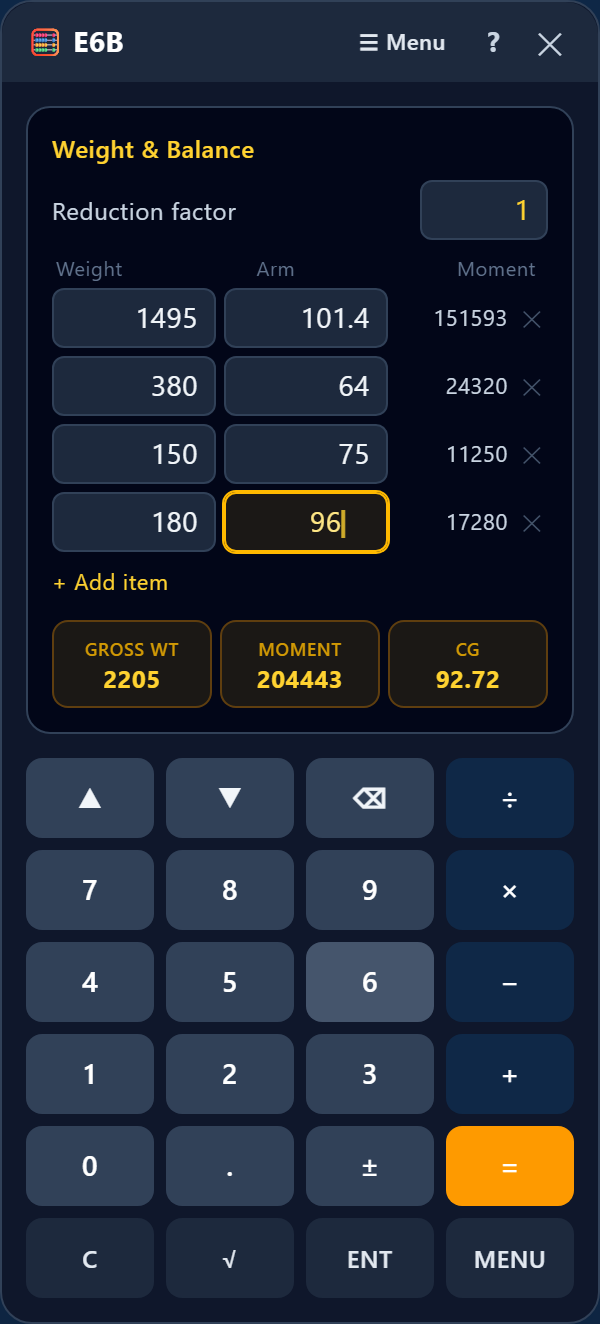
For each item, enter its weight and arm; the moment fills in. Add rows with "+ Add item". The gross weight, total moment, and CG show at the bottom. Leave the reduction factor at 1 unless your aircraft uses one.
Example: Empty 1,495 lb @ 101.4 in, pilots 380 @ 64, rear 150 @ 75, fuel 180 @ 96 → 2,205 lb, CG 92.7 in.
% MAC
Enter CG, the leading edge of the MAC (LEMAC), and MAC length to express the CG as a percentage of the MAC.
Weight Shift
Enter any three of total weight, weight moved, distance moved, and CG change to solve for the fourth.
Tools & conversions
Calculator
A standard calculator — the screen the E6B opens on. Use the number keys with + − × ÷ =, √, and ±.
Unit Conversions
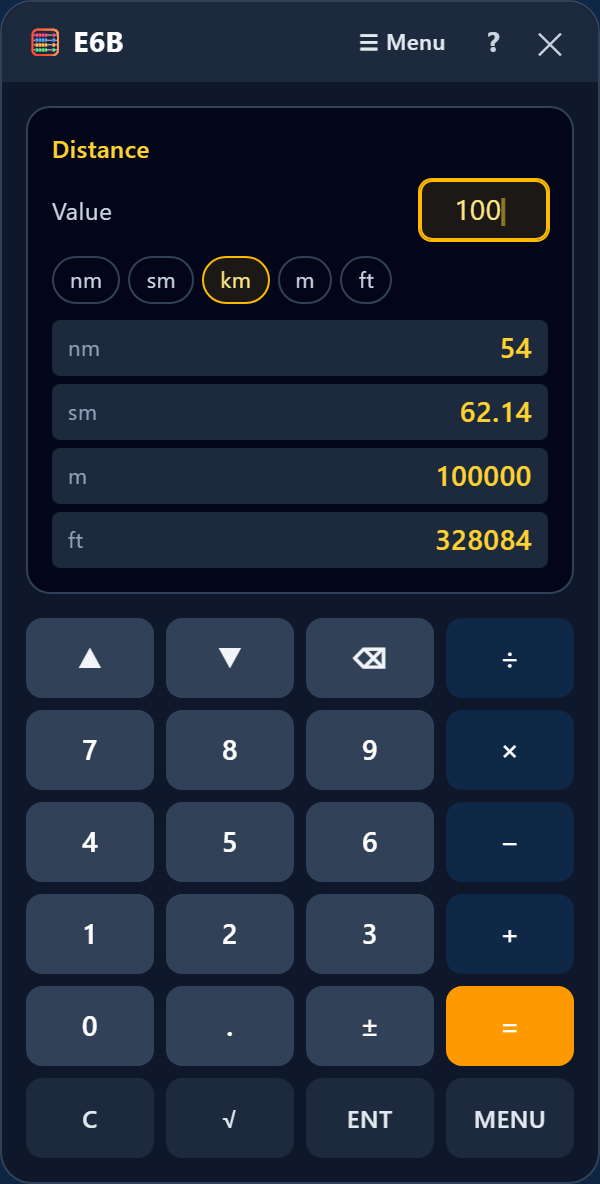
Pick a category from the menu (distance, speed, weight, volume, temperature, pressure, and more), key in the value, tap the "from" unit chip, and read the value in every other unit.
Example: 100 km → 54 NM; 29.78 inHg → 1008 mb.
Trip Planner
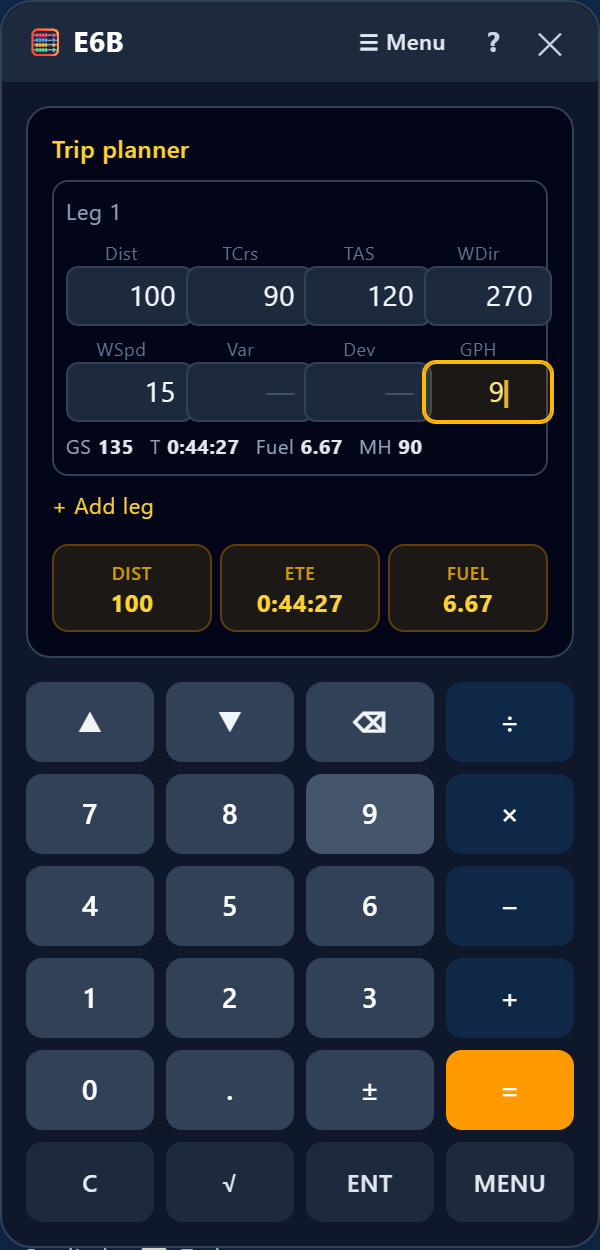
Add a leg, then key each cell: distance, true course, TAS, wind dir/speed, variation, deviation, and fuel rate. Each leg shows ground speed, time, fuel, and headings; trip totals (distance, time enroute, fuel) show at the bottom. Add more legs with "+ Add leg".
Timer
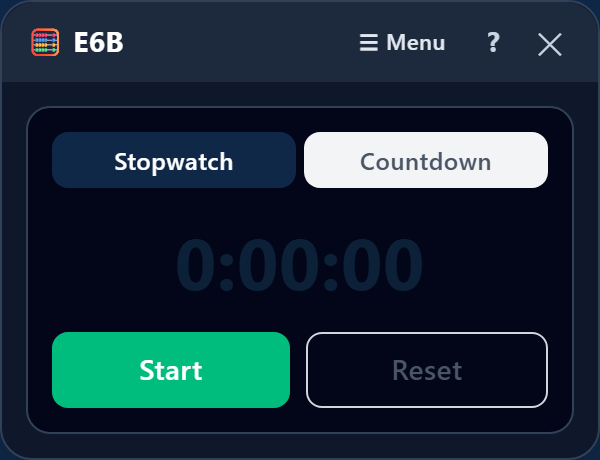
A stopwatch (counts up) and a countdown timer that turns red past zero — handy for timed legs or a missed-approach point.