Navigating the FAA's IACRA System
What Is the FAA's IACRA System and Why Does It Matter?
Navigating the FAA's IACRA system is one of those behind-the-scenes tasks that every student pilot eventually has to tackle—yet almost nobody talks about it in ground school. IACRA, which stands for Integrated Airman Certification and Rating Application, is the FAA's web-based platform for processing airman certificate and rating applications. Whether you are applying for your student pilot certificate, private pilot certificate, instrument rating, or any other airman credential, IACRA is the gateway through which that paperwork flows.
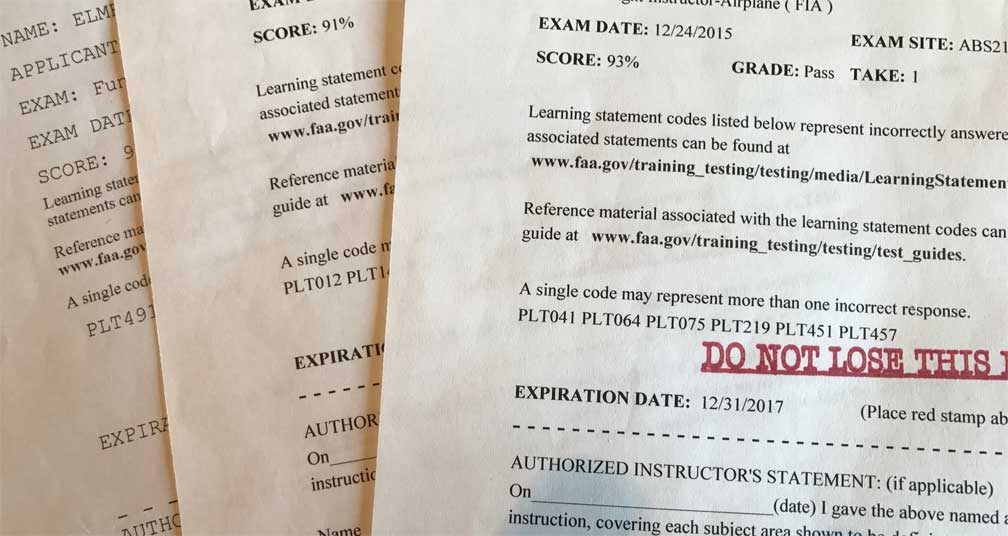
Unlike old paper-based Form 8710-1, IACRA digitizes the entire process, connects applicants directly to FAA systems, and allows designated pilot examiners (DPEs) and authorized instructors to electronically endorse and submit applications. Understanding how the system works before your checkride day can save you real headaches—a forgotten FTN number or a mis-entered date can delay certificate issuance. This guide walks you through the key steps, common pitfalls, and study habits that help you show up ready for every phase of the certification process.
Creating Your IACRA Account and Getting Your FTN
Your first interaction with the IACRA system is account creation. Head to iacra.faa.gov and register as a new user. The most critical thing that happens during registration is the assignment of your FAA Tracking Number (FTN). This is a unique identifier tied to your airman record for life. Write it down and store it somewhere safe—you will need it for every FAA written (knowledge) test you take, and your testing center will ask for it at check-in.
Step-by-Step Account Setup
- Go to iacra.faa.gov and click
Ready to pass your FAA written exam?